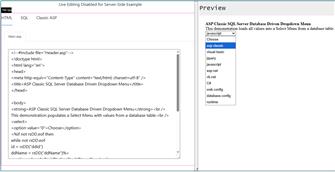
Creating an ASP Classic database-driven dropdown menu with SQL Server is easy with the following code.
With the following code, we can code our Select Menu with data from our database quickly and easily.
Not a lot of coding is involved in this project.
Unlike the original code, this uses SQL Server instead of Access database.
(Copy and paste are available on the Source Code page)
#1: We will create our database table and load the data for this project.
#2: Create a connection to our database for use in our project.
#3: Show how to close the RecordSet and Database connection.
#4: Create a select statement which we will then use to populate our select menu.
#5: Demonstrate how to split up files for better code organization.